
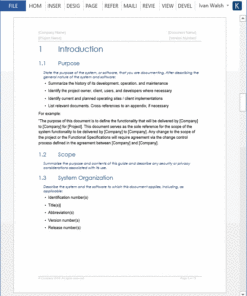
Technical Writing Templates (Agile + Waterfall)
Original price was: $49.99.$29.99Current price is: $29.99.
Use these 15 Technical Writing templates (233 pages MS Word) to write technical documents faster, save time on formatting, provide a consistent standard across your publications, and ensure that your company delivers professionally looking documents to your customers.
Use these 15 Technical Writing templates (233 pages MS Word) to write technical documents faster, save time on formatting, provide a consistent standard across your publications, and ensure that your company delivers professionally looking documents to your customers.
15 Technical Writing Templates
This Technical Writing template pack includes the following documents.
- Audience Analysis – 30 pages
- Data Sheet – 2 pages
- Documentation Plan – 7 pages
- Error Message Guide – 14 pages
- Fact Sheet – 2 pages
- FAQ Template – 17 pages
- Installation Plan – 22 pages
- Product Document Map –
- Quick Start Guide – 14 pages
- ReadMe Template – 2 pages
- Release Notes – 17 pages
- Setup Guide – 29 pages
- System Admin Guide – 35 pages
- Troubleshooting Guide – 12 pages
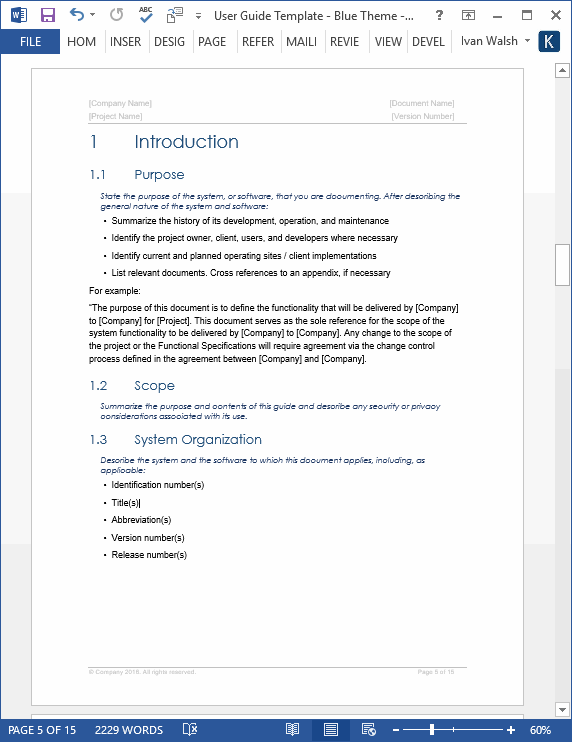
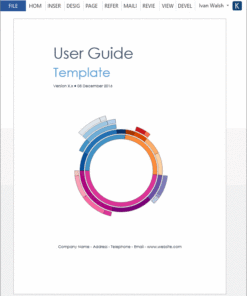
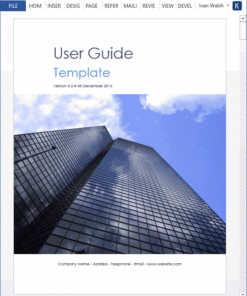
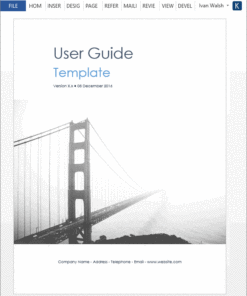
- User Guide – 16 pages
Total page count: 233 pages
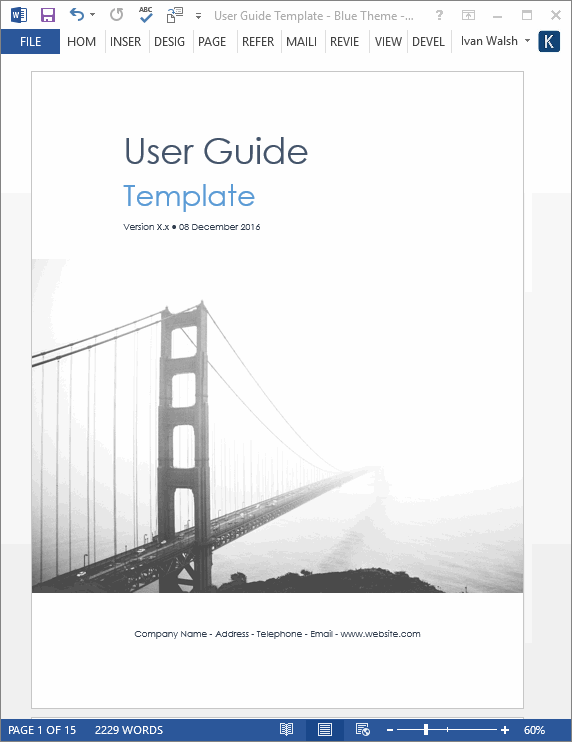
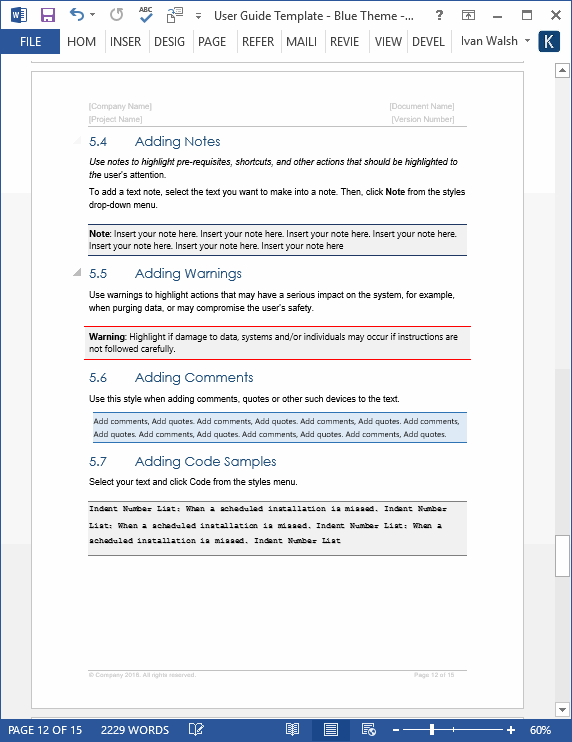
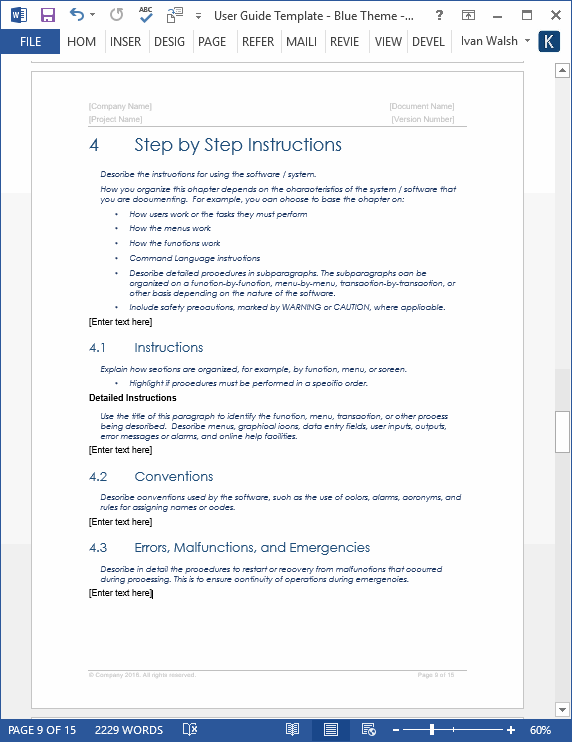
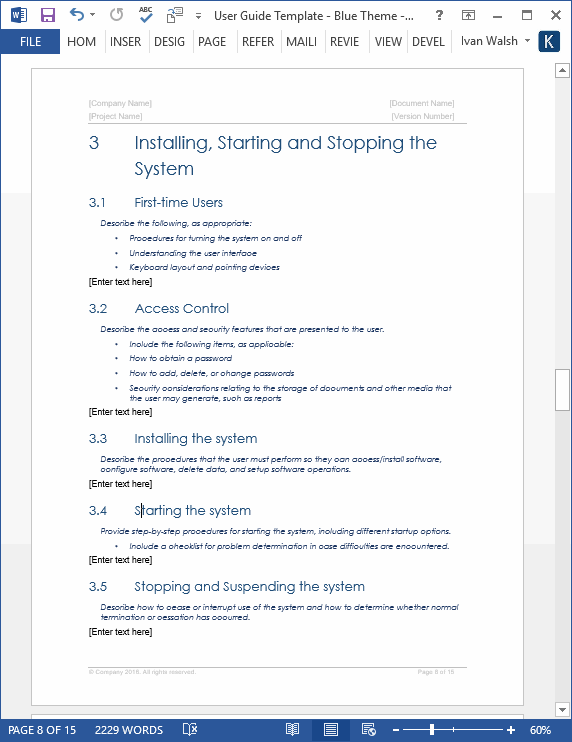
Our User Guide templates can be used to create user guides, user manuals, getting started guides and other types of technical documents. A User Guide is an online or printed book that describes how to use a software application.
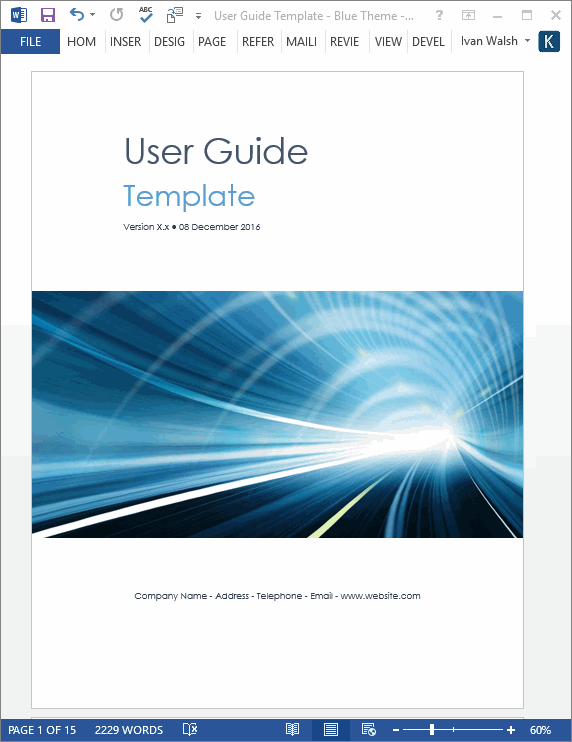
Use these MS Word templates as a guide for writing your own technical documentation. Delete any sections that do not fit your topics; add sections where needed.
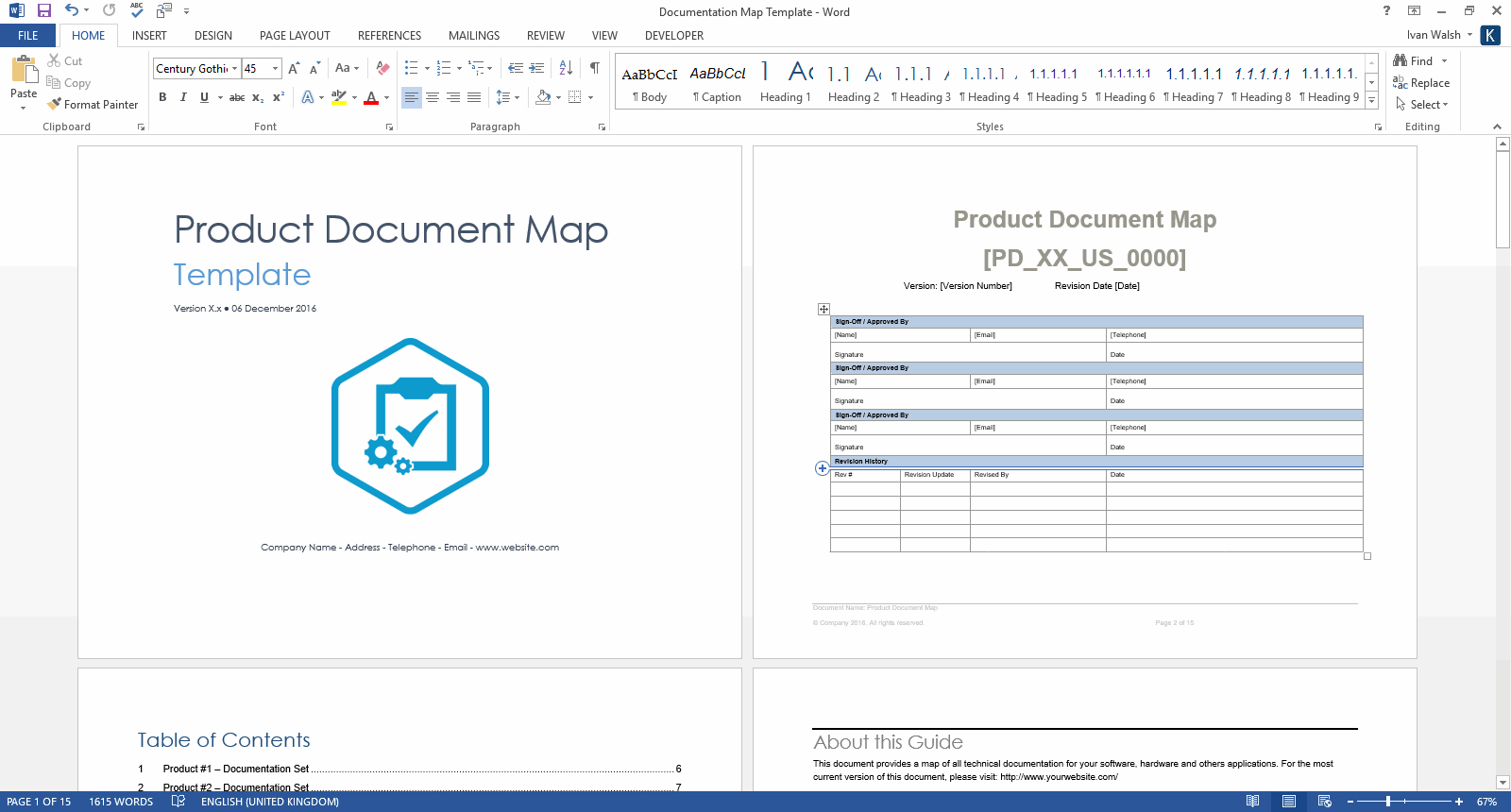
Example of Product Document Map Template
Technical Documentation Templates for Writers & Editors
The target audience for these templates includes Technical Writers, IT Managers, Test Managers, Product Managers, System Administrators, Security Officers and others who develop software, systems and technical solutions.
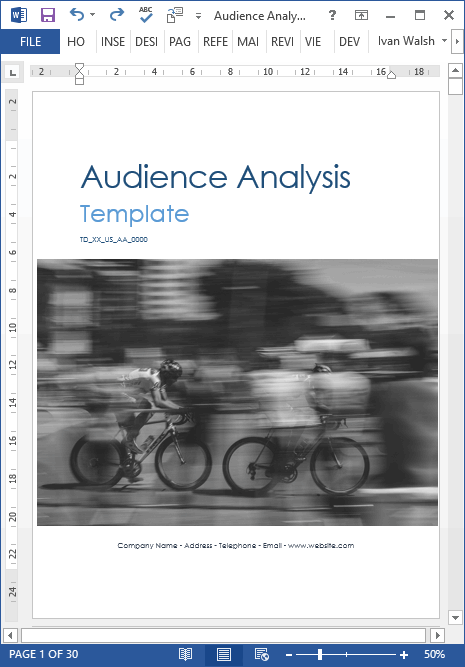
Audience Analysis Templates
Use this template to learn more about the target audience for your projects and what they want to achieve, for example, read your user guide, visit your website or buy your product.
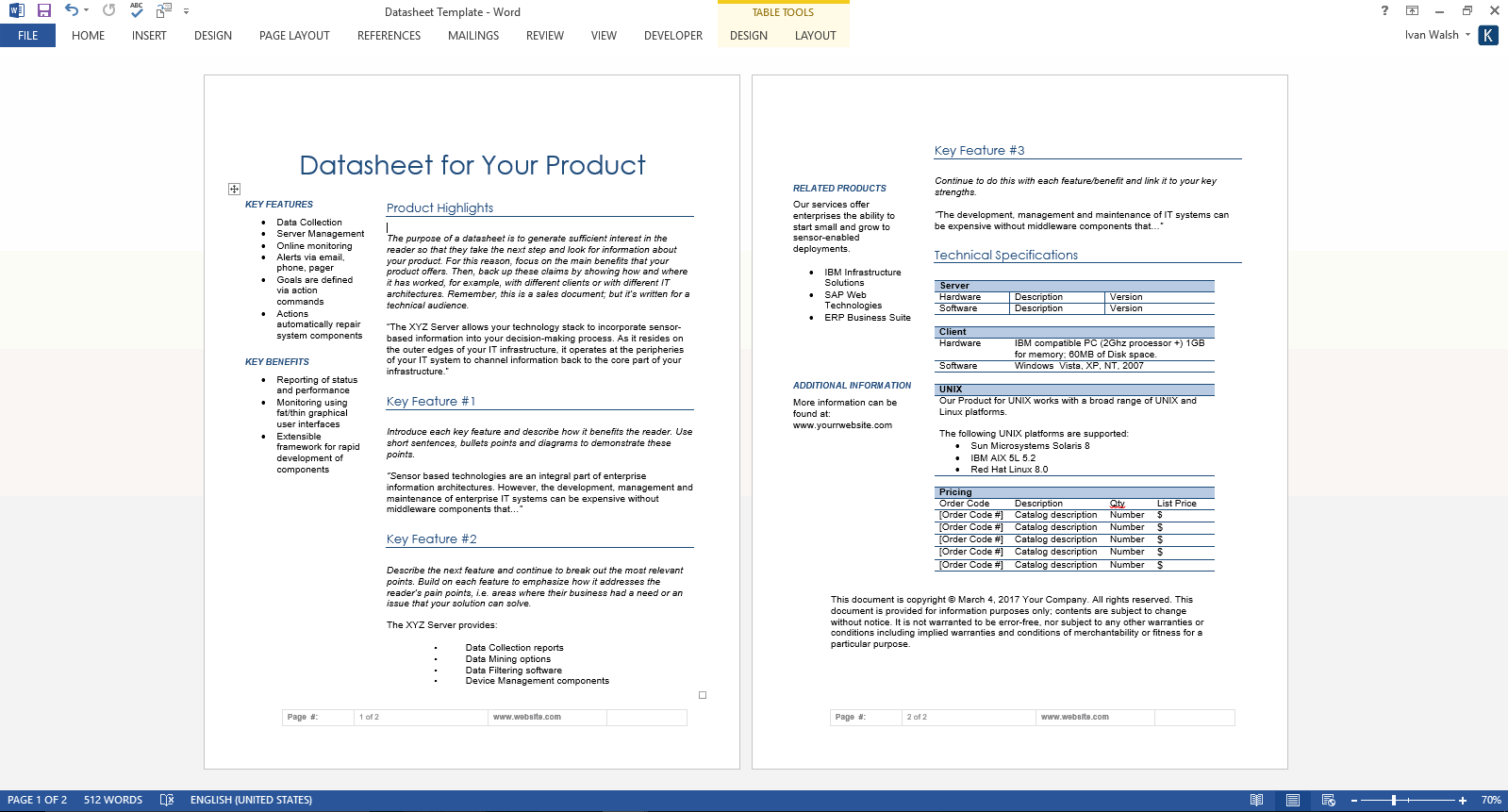
Data Sheet Template
The purpose of a datasheet is encourage the reader to learn more about your product, for example, to download the latest release, read your white papers, or compare it against your competitors.
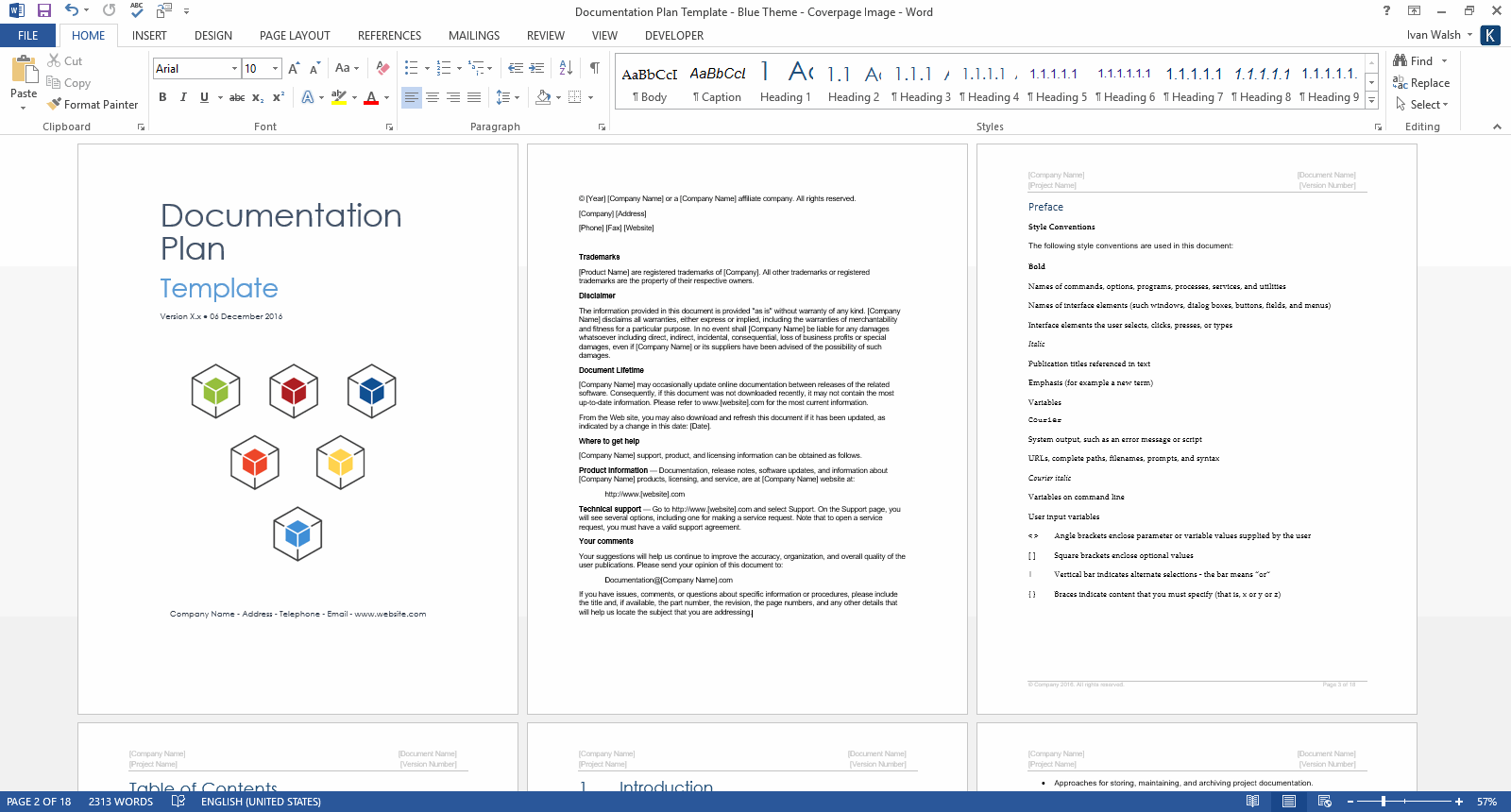
Documentation Plan Template
Download this Documentation Plan template to describe how your technical documents will be prepared, delivered and distributed. This is also known as an Information Development (ID) Plan. Essentially, it serves as a project plan for the documentation requirements on a software project.
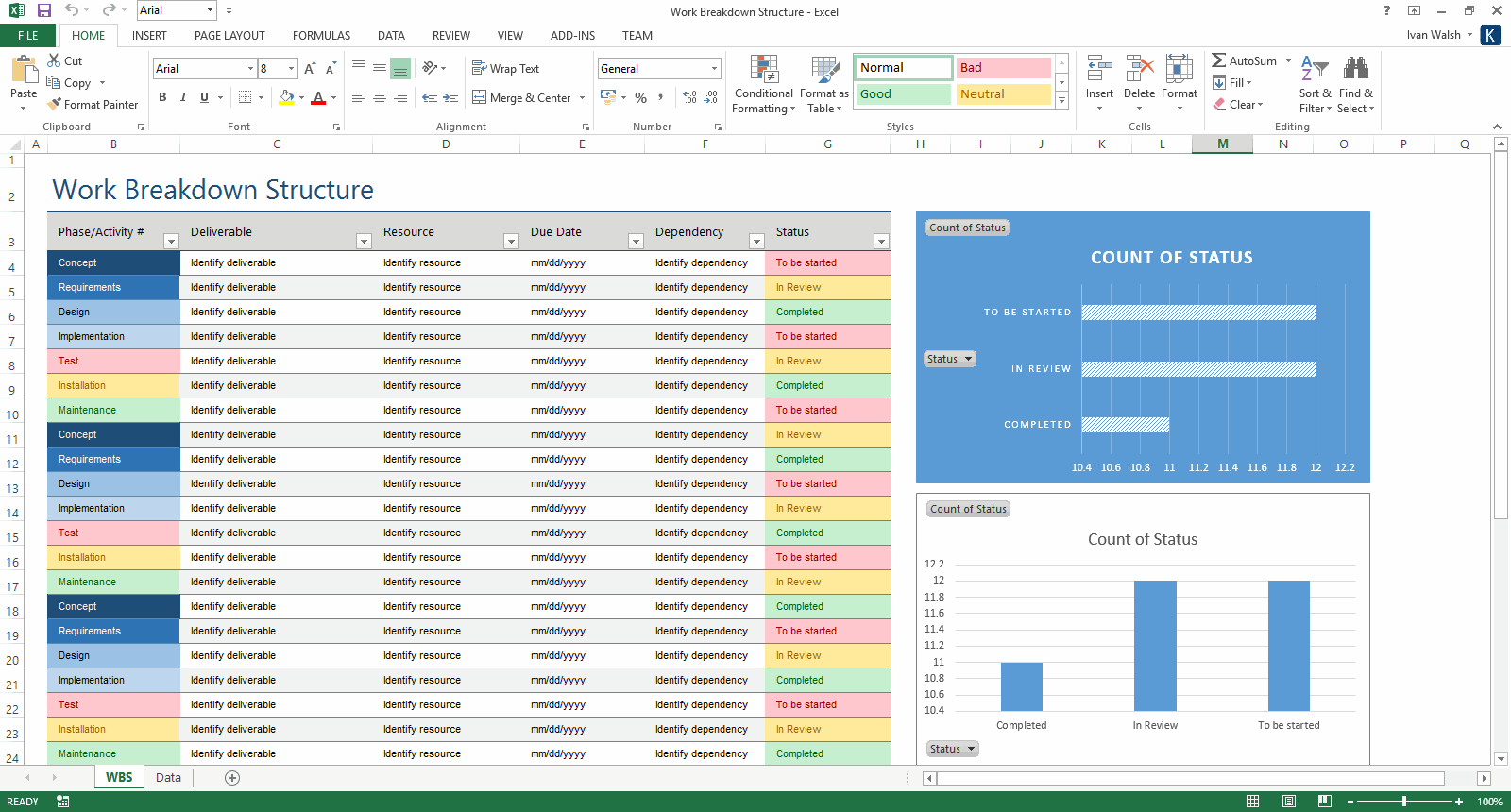
Free Work Breakdown Structure Template
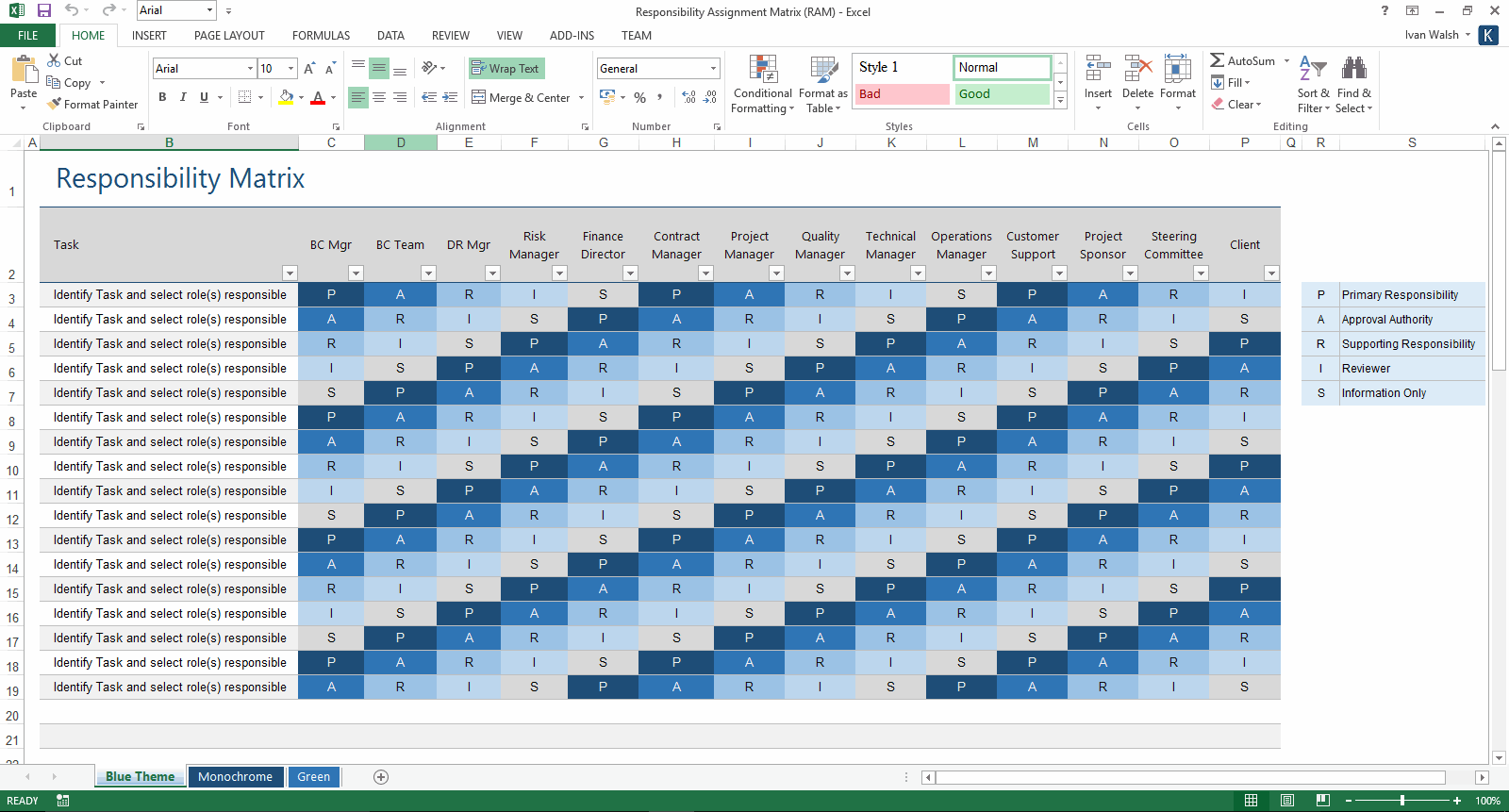
Free Responsibility Matrix Template
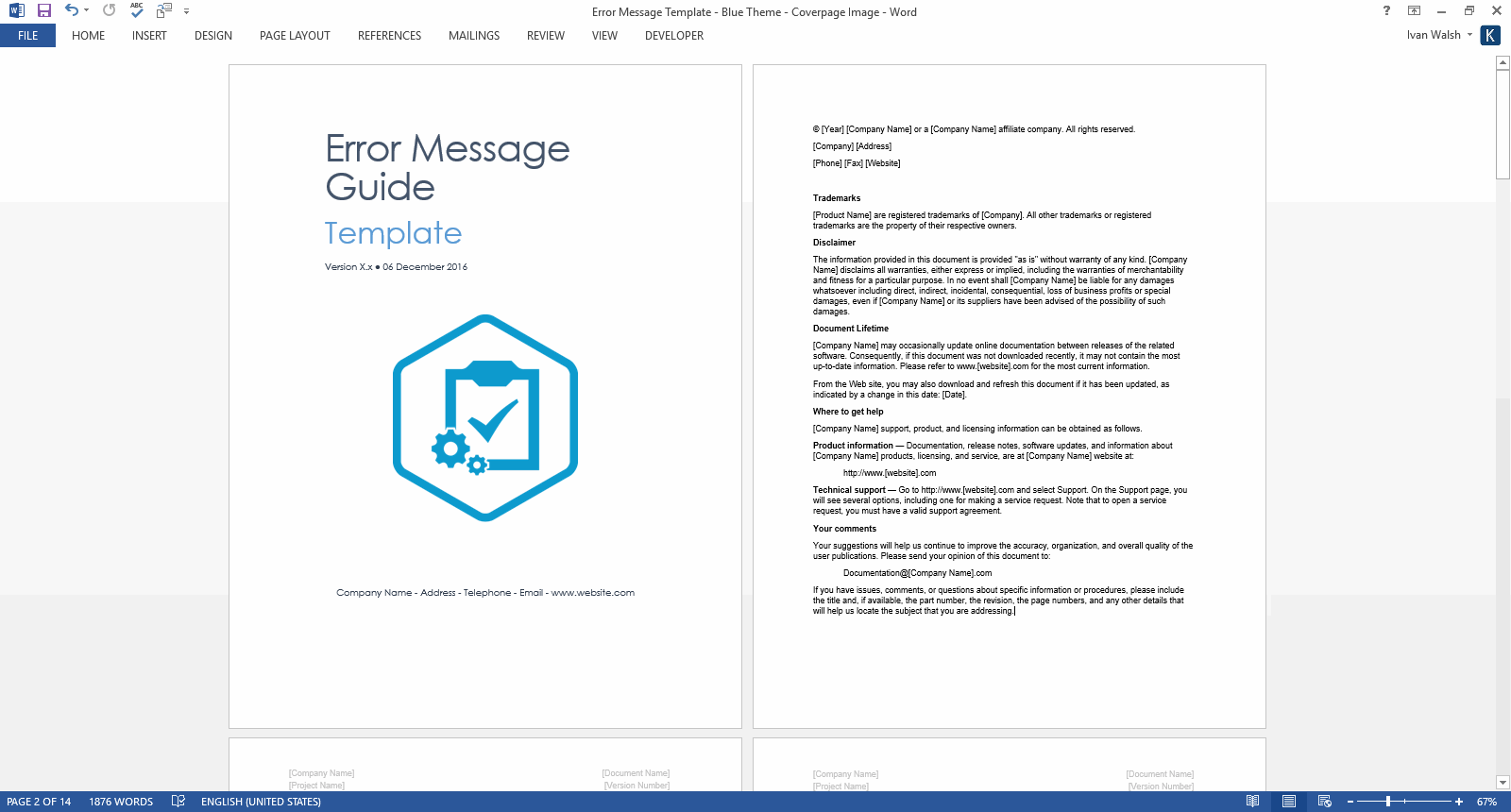
Error Messages Guide Template
Use this Error Message Guide template (14 pages MS Word) to show users how to resolve error messages that may appear in your application. This template also comes in the Technical Writing Template Pack (233 pages MS Word). Scroll down for more details and screenshots.
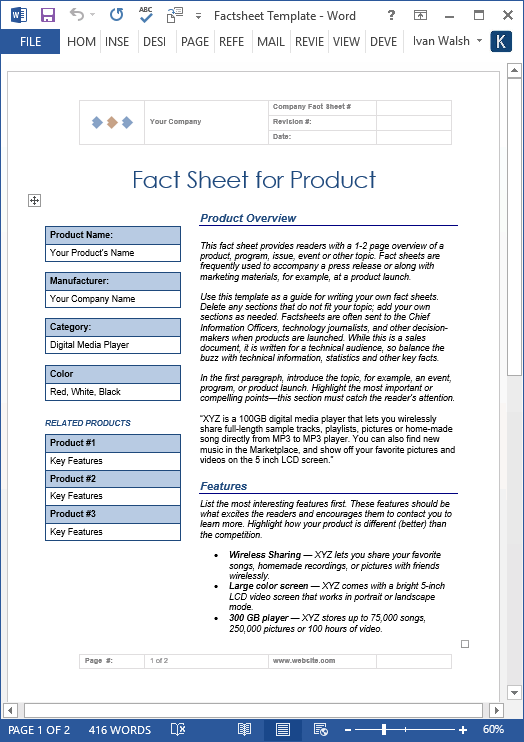
Fact Sheet Template
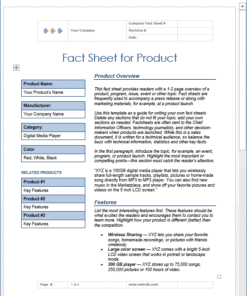
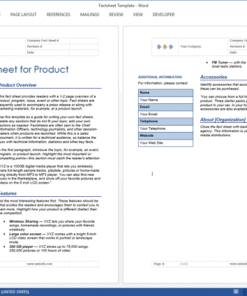
Use this Fact Sheet template (MS Word) to summarize the key facts in your product. This Fact Sheet template provides readers with a 1-2 page overview of a product, program, issue, event or other topic. Fact sheets are frequently used to accompany a press release or along with marketing materials, for example, at a product launch.
Frequently Asked Questions Templates
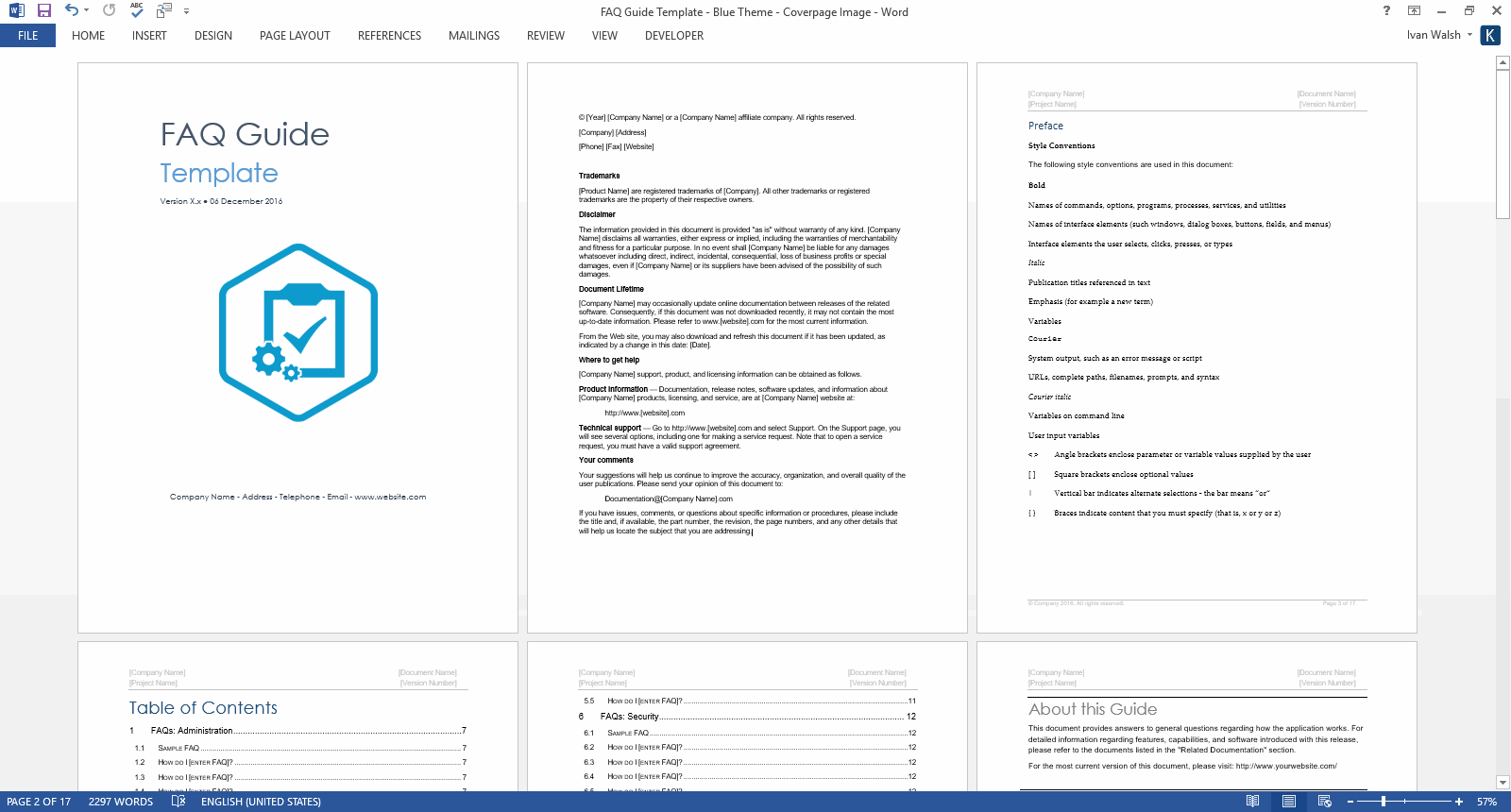
Use this FAQ template (17 pages MS Word) to provide answers to questions regarding how your application, website or service works.
Installation Guide Template
You can use this Installation Guide template when installing software and for the preparation, training, and conversion from existing systems. Use this template to:
- Ensure that you have a correctly functioning system
- Develop an installation plan that uses the appropriate installer and considers the component requirements during deployment.
- Specify the configuration values that configure the components to interoperate.
Product Document Map Template
Use this template to create a documentation map of your products and services.
Quick Start Guide Template
Use the following Quick Start Guide template to help customers set up your product when they first start using it.
ReadMe Template
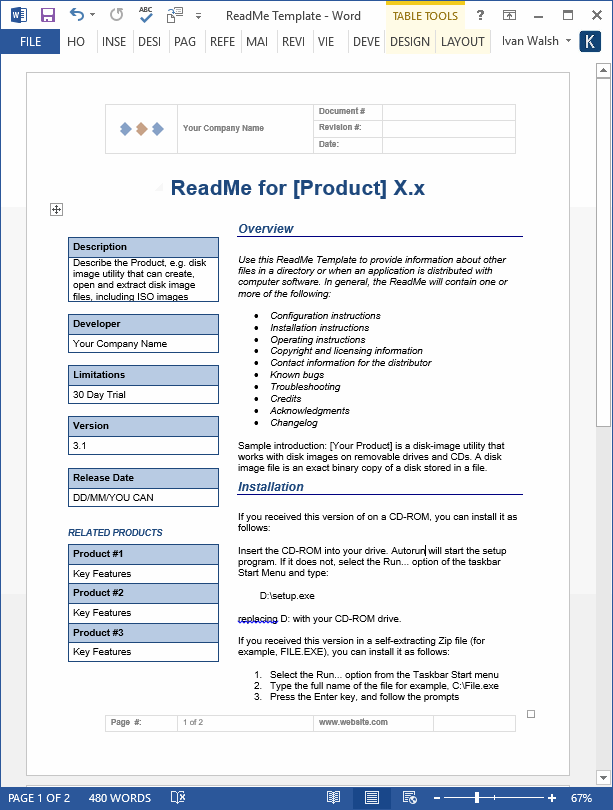
Use this MS Word template to write beautiful Read Me files. You can use this for technical documentation, product releases, and marketing announcements.
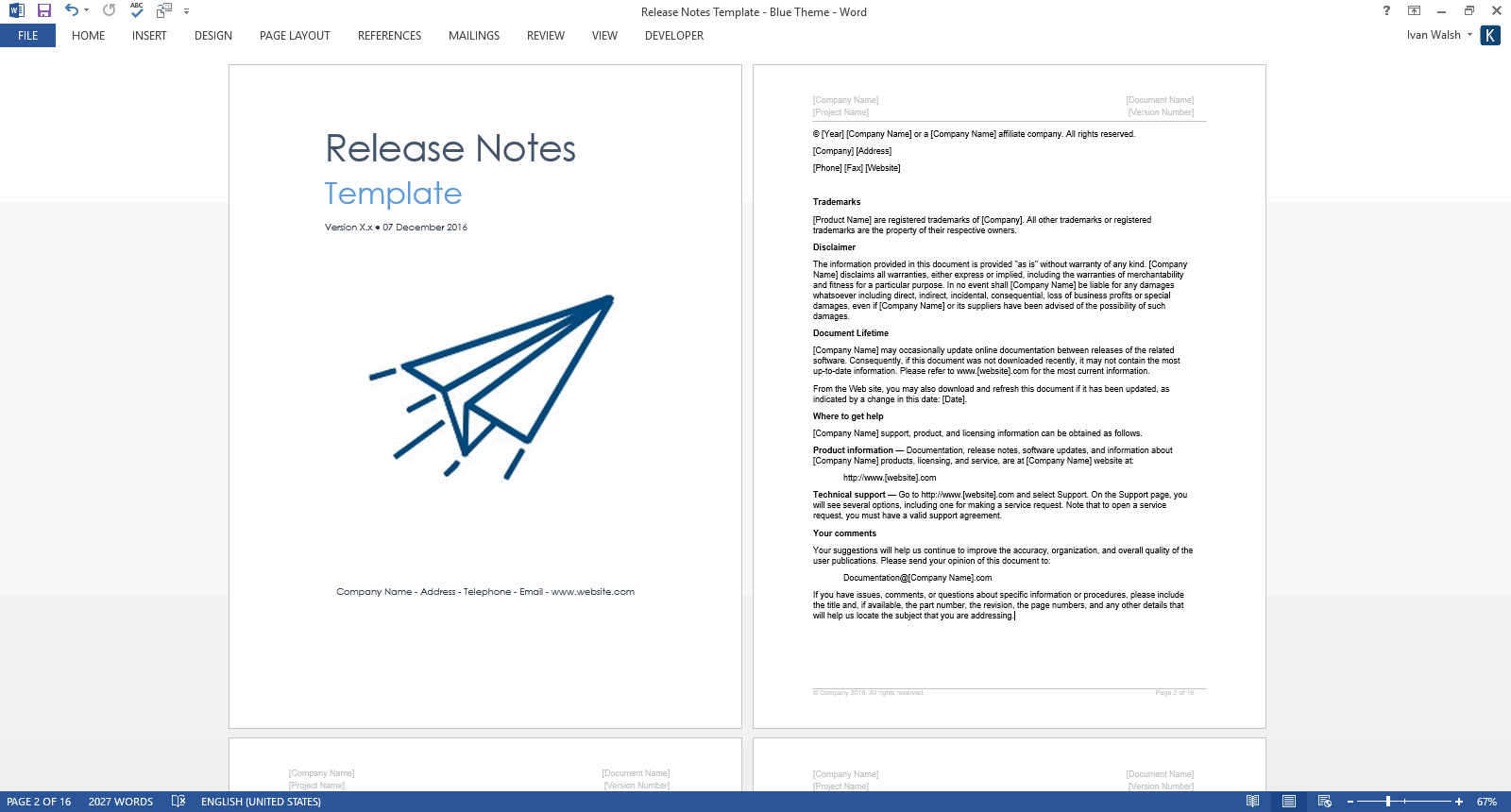
Release Notes Template
Our Release Notes template package includes 2 pre-formatted templates in MS Word, which can be easily modified to meet your next release.
Each template includes 17 pages of material including sections on Changes to release notes, Scope, System Requirements, New Features, Dropped Features, Fixed Issues, Hotfixes, Known Issues, Limitations & Restrictions, Caveats, and Deployment Instructions.
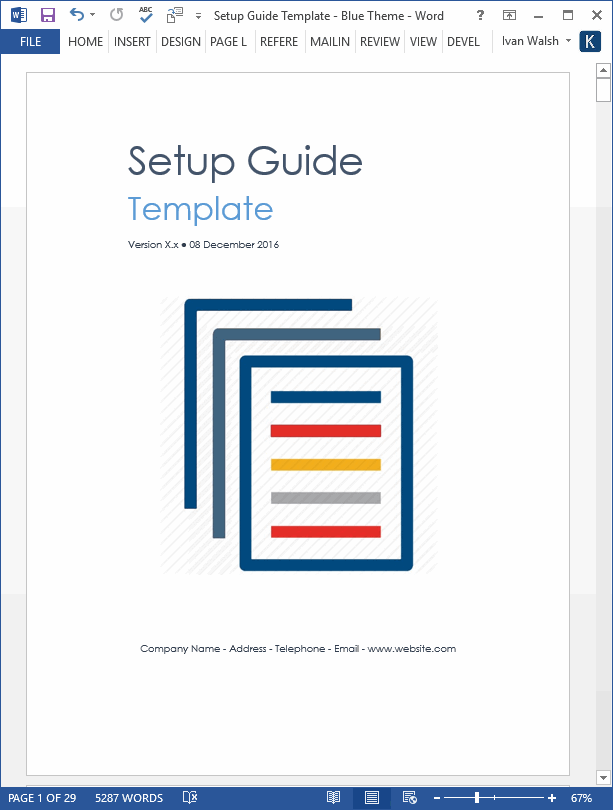
Setup Guide Template
This Setup Guide template will help you to quickly and easily create a MS Word Setup Guide for your next project. You can use it to create your own customized setup guide for ensuring that your customers can install their applications successfully and reduce the workload on your Helpdesk and Technical Support Dept.
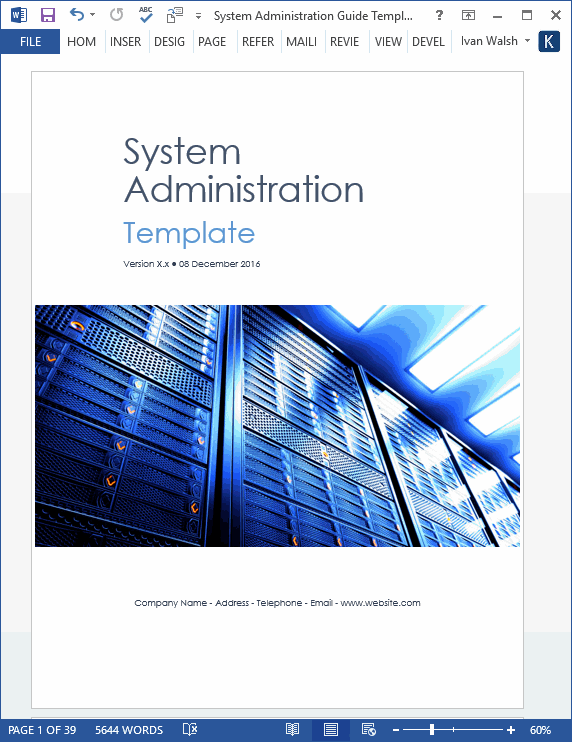
System Administration Guide Template
You can use this System Administrator Guide template to deploy, support, and maintain applications in your organization. Use this template to:
- Define procedures for starting and shutting down systems, monitoring performance, installing programs and operating system updates.
- Set up User and Group Accounts, user types and privileges, and setting user permissions and passwords.
- Schedule database maintenance, moving databases, setting user permissions, and database backup and restores.
- Create security procedures, guidelines, passwords. Monitor software licenses purchased and installed.
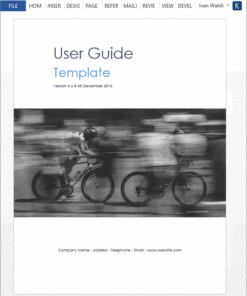
User Guide Templates (5 x MS Word)
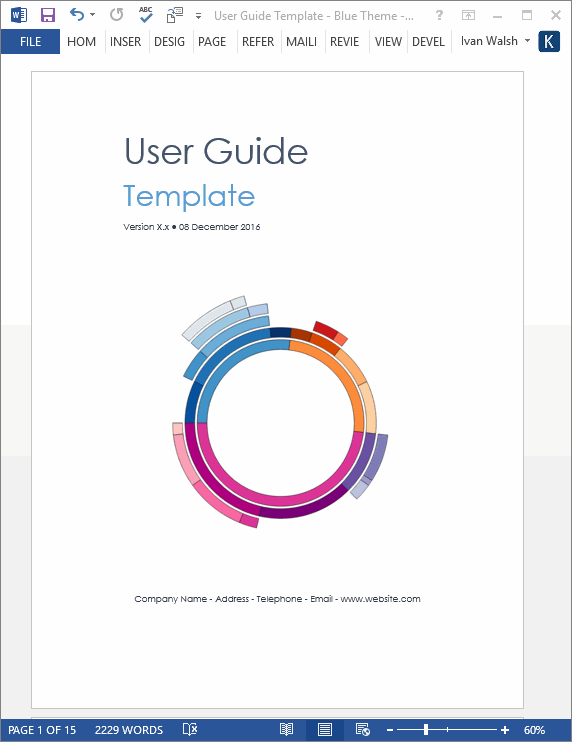
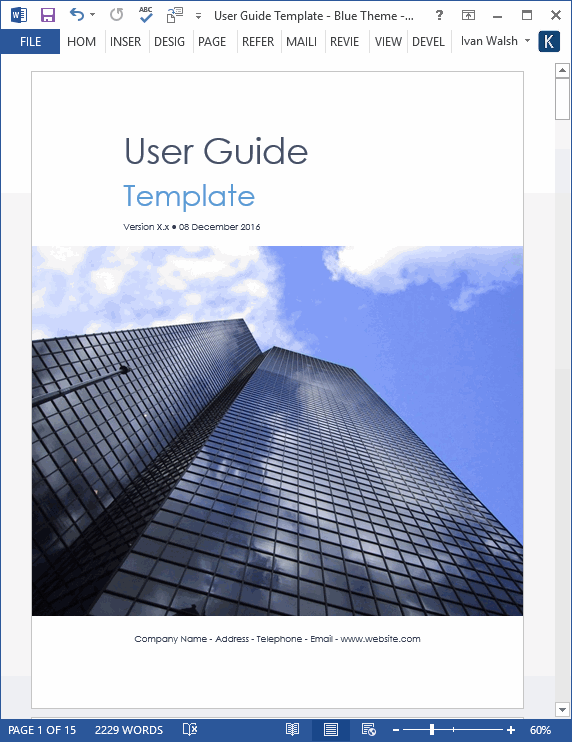
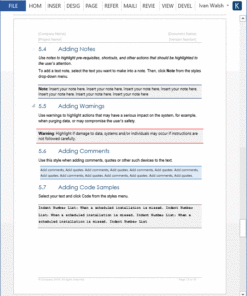
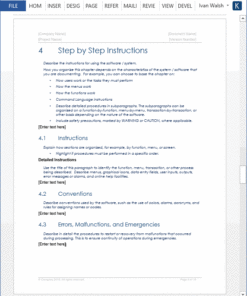
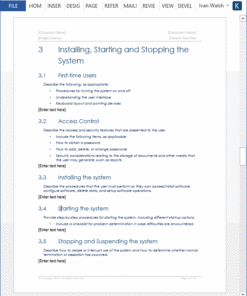
Our User Guide templates can be used to create user guides, user manuals, getting started guides and other types of technical documents. A User Guide is an online or printed book that describes how to use a software application.
Includes the following templates
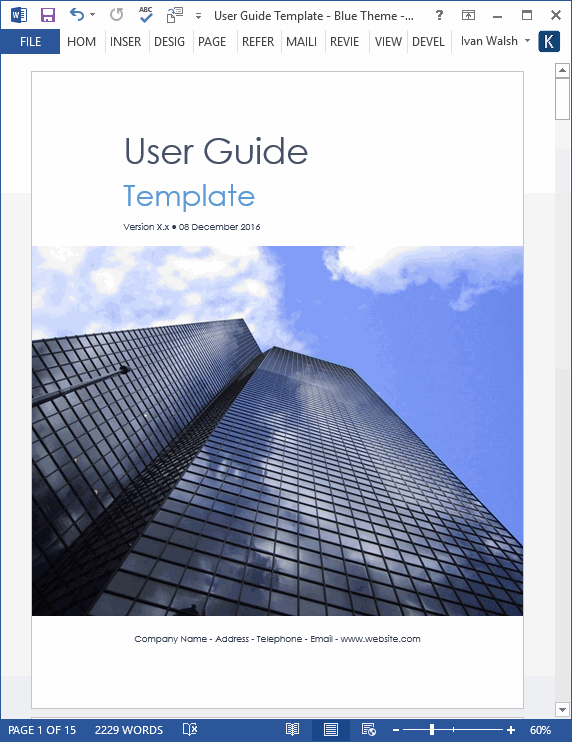
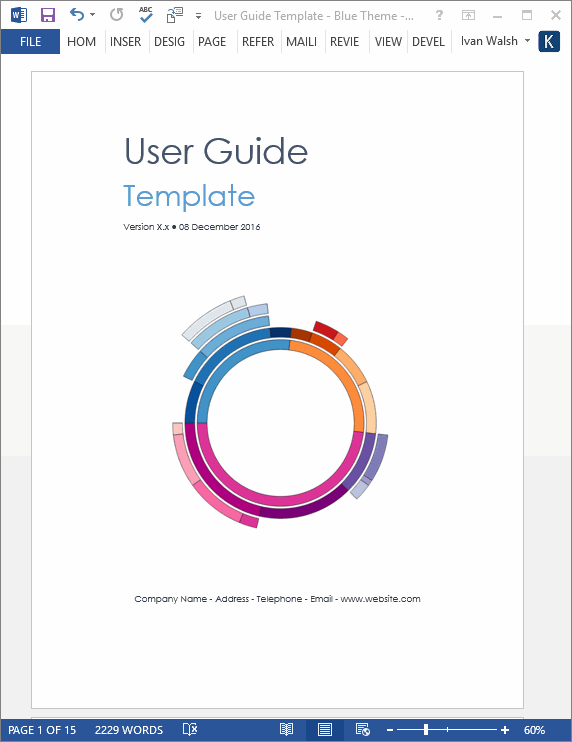
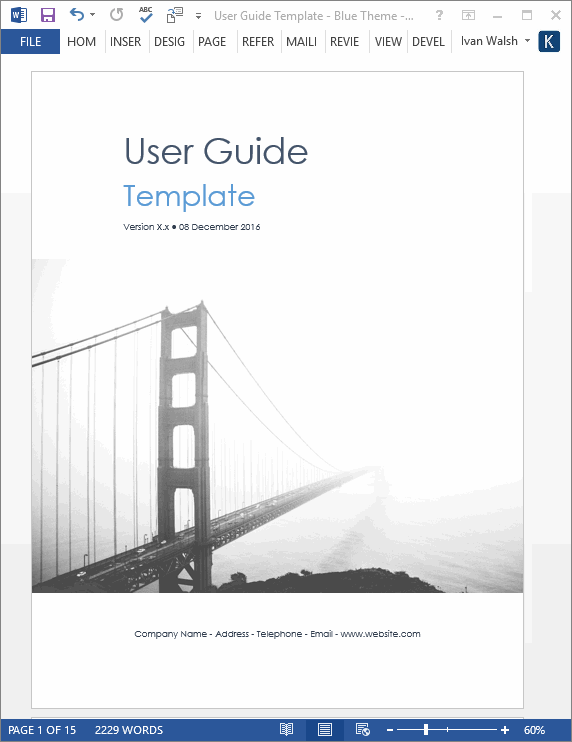
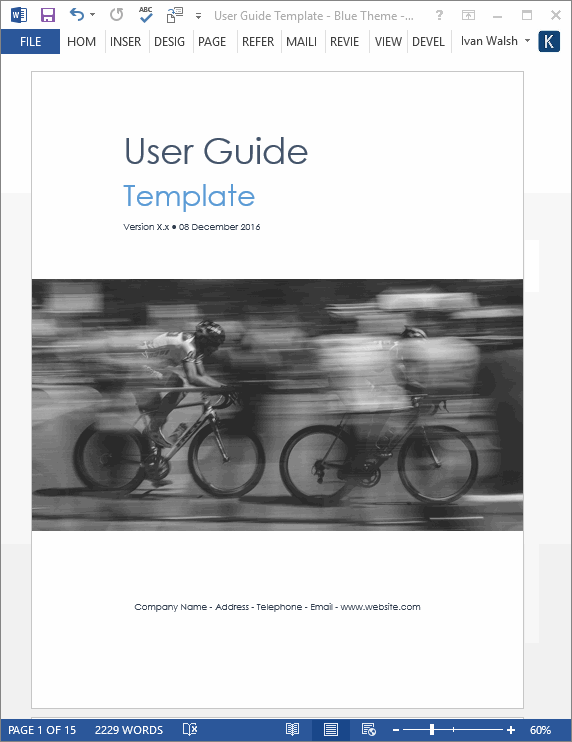
User Guide Template – 16 pages
Product Specifications
File Format: The templates are in Microsoft Word (.docx) and Microsoft Excel (.xlsx) format.
Opening the Files: You don’t need any special software to unzip the files. To unzip the files, right click on it, then select Extract, and save it to your computer.
Getting Started: Depending on your MS Office settings, the files may say Read Only when you open them. If this occurs, click File, Save As and save the files. There are no security settings on any of the files.
Images: All of the images in the templates are copyright free.
Related products
Business
Business
Business
Business


Business
Business